
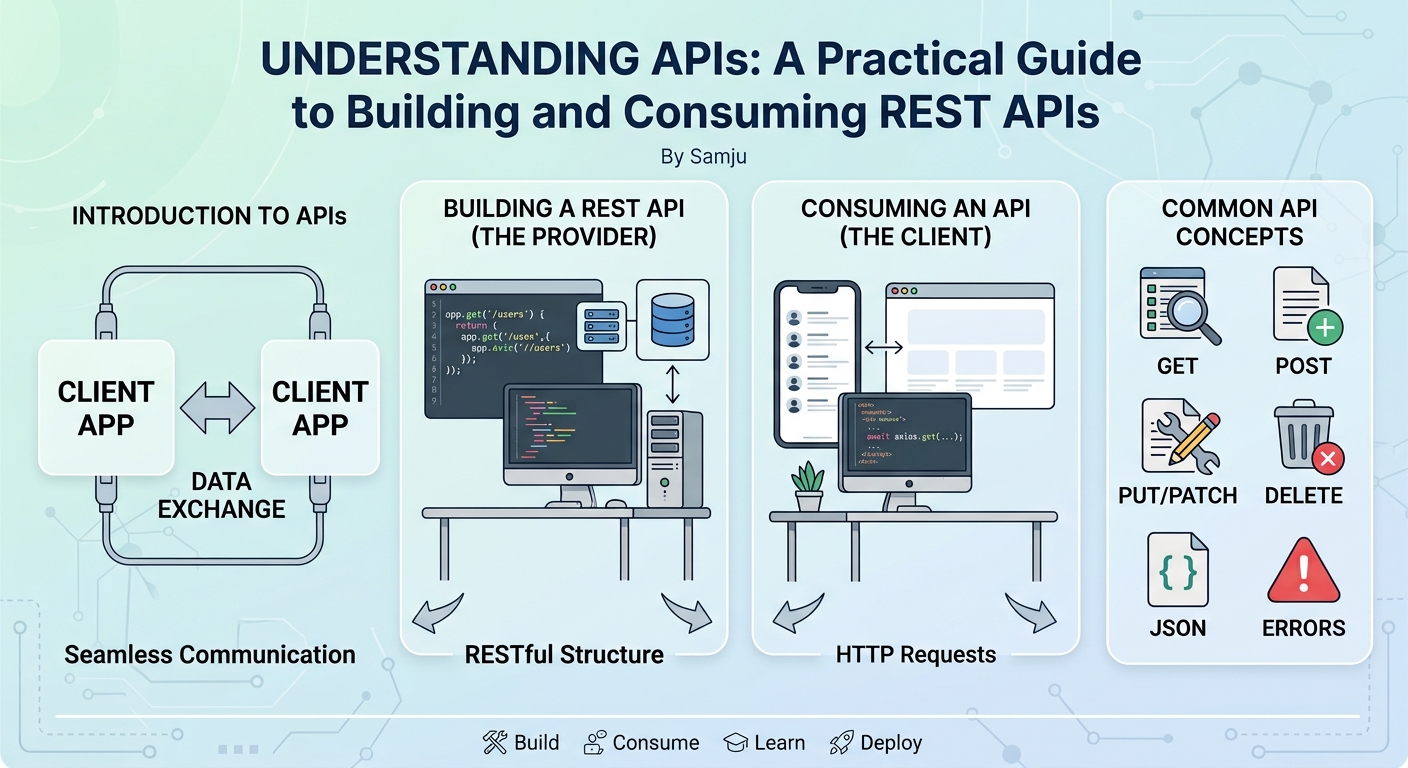
Understanding APIs: A Practical Guide to Building and Consuming REST APIs
A mobile banking application communicates with backend servers. An e-commerce website communicates with payment services.
Understanding APIs: A Practical Guide to Building and Consuming REST APIs
Modern software applications rarely work in isolation.
A mobile banking application communicates with backend servers. An e-commerce website communicates with payment services. A frontend application communicates with a backend API to retrieve and update data.
The technology connecting many of these systems is an API.
If you have worked with software development for any length of time, you have probably seen terms such as REST API, HTTP, JSON, GET, POST, authentication, and endpoints.
But what actually happens when an application calls an API?
In this article, we will break APIs down practically and build a simple REST API that a frontend or another application can consume.
What Is an API?
API stands for Application Programming Interface.
An API provides a defined way for one software application to communicate with another.
For example, imagine you have a frontend application that needs to display customer information.
Instead of connecting directly to the database, the frontend can make a request to:
GET /api/customers
The backend processes the request and returns data:
[
    {
        "id": 1,
        "name": "John Doe",
        "email": "john@example.com"
    },
    {
        "id": 2,
        "name": "Mary Smith",
        "email": "mary@example.com"
    }
]
The frontend does not need to know how the backend stores the customers.
It only needs to understand the API contract.
This separation is one of the most important concepts behind modern application architecture.
API as a Contract
An API can be thought of as a contract between two systems.
The client says:
I need the customers.
The server provides:
Here are the customers in the agreed format.
The client doesn't need to know whether the server uses:
MySQL
PostgreSQL
MongoDB
Oracle
Redis
Another API
A complex business process
The API hides those implementation details.
For example:
Frontend
   |
   | GET /api/customers
   ↓
Backend API
   |
   ↓
Database
The frontend communicates with the API, not directly with the database.
What Is a REST API?
REST stands for Representational State Transfer.
A REST API uses HTTP to expose resources through URLs.
For example:
/api/users
/api/products
/api/orders
/api/payments
Each URL represents a resource.
REST APIs commonly use HTTP methods to describe what should happen to those resources.
The most common methods are:
| Method | Purpose |
|---|---|
| GET | Retrieve data |
| POST | Create data |
| PUT | Replace/update data |
| PATCH | Partially update data |
| DELETE | Delete data |
For example:
GET    /api/products
POST   /api/products
GET    /api/products/10
PUT    /api/products/10
PATCH  /api/products/10
DELETE /api/products/10
This gives clients a consistent way to interact with resources.
GET Requests
A GET request is normally used to retrieve information.
For example:
GET /api/users
The server might return:
[
    {
        "id": 1,
        "name": "John"
    },
    {
        "id": 2,
        "name": "Mary"
    }
]
To retrieve one user:
GET /api/users/1
The response could be:
{
    "id": 1,
    "name": "John",
    "email": "john@example.com"
}
GET requests should generally not be used to modify server-side data.
POST Requests
A POST request is commonly used to create a resource.
For example:
POST /api/users
The client can send:
{
    "name": "Julius Fasema",
    "email": "julius@example.com"
}
The server may return:
{
    "id": 25,
    "name": "Julius Fasema",
    "email": "julius@example.com"
}
The newly created resource has been assigned ID 25.
PUT and PATCH
Both PUT and PATCH are used for updates, but they have different semantics.
Suppose we have:
/api/users/25
A PUT request might send the complete representation:
{
    "name": "Julius Fasema",
    "email": "julius@example.com"
}
PATCH can be used when only part of the resource needs to change:
{
    "email": "newemail@example.com"
}
In simple applications, developers sometimes use PUT for all updates.
In well-designed APIs, the distinction between replacement and partial modification should be intentional.
DELETE Requests
DELETE removes a resource.
For example:
DELETE /api/users/25
If successful, the server might return:
204 No Content
The user with ID 25 has been removed.
Understanding HTTP Status Codes
An API doesn't only return data.
It also returns an HTTP status code describing the result.
Some common status codes include:
| Status | Meaning |
|---|---|
| 200 | OK |
| 201 | Created |
| 204 | No Content |
| 400 | Bad Request |
| 401 | Unauthorized |
| 403 | Forbidden |
| 404 | Not Found |
| 409 | Conflict |
| 500 | Internal Server Error |
For example, when creating a user successfully:
HTTP/1.1 201 Created
When the requested user doesn't exist:
HTTP/1.1 404 Not Found
Status codes allow the client to understand what happened without having to inspect the response message.
Request Headers
HTTP requests can contain headers that provide additional information.
For example:
Content-Type: application/json
This tells the server that the request body contains JSON.
Another common header is:
Accept: application/json
This tells the server that the client expects JSON in the response.
Authentication commonly uses a header such as:
Authorization: Bearer eyJhbGciOi...
Headers are an important part of API communication.
Request Body
The request body contains data sent to the server.
For example:
{
    "name": "John Doe",
    "email": "john@example.com"
}
A POST request could therefore look conceptually like:
POST /api/users

Content-Type: application/json

{
    "name": "John Doe",
    "email": "john@example.com"
}
The backend reads the JSON, validates it, performs the required business logic, and stores the data.
Query Parameters
APIs often need to filter or customize requests.
Query parameters provide one way to do this.
For example:
GET /api/products?category=phones
Multiple parameters can be used:
GET /api/products?category=phones&page=1&size=20
The URL contains:
category=phones
page=1
size=20
Query parameters are particularly useful for:
Searching
Filtering
Sorting
Pagination
For example:
GET /api/products?search=laptop
could return products matching "laptop".
Path Parameters
Path parameters are commonly used when identifying a specific resource.
For example:
GET /api/products/50
Here:
50
is the product ID.
The API can interpret it as:
Get product where ID = 50
Compare this with a query parameter:
GET /api/products?id=50
Both approaches can retrieve a product, but REST APIs commonly use path parameters for identifying individual resources.
JSON and APIs
JSON is one of the most common formats used by modern APIs.
JSON stands for JavaScript Object Notation.
Example:
{
    "id": 10,
    "name": "Laptop",
    "price": 750000,
    "available": true
}
JSON is popular because it is:
Easy to read
Easy to generate
Easy to parse
Supported by virtually every modern programming language
JavaScript applications can work with JSON naturally, while Java, Python, PHP, C#, Go, and other languages have mature JSON libraries.
Building a Simple REST API with Spring Boot
Let's make this practical.
Suppose we want to create a product API using Spring Boot.
Our endpoint will be:
/api/products
We can create a controller:
@RestController
@RequestMapping("/api/products")
public class ProductController {

    @GetMapping
    public List<String> getProducts() {

        return List.of(
                "Laptop",
                "Monitor",
                "Keyboard"
        );
    }
}
When the application is running, a request to:
GET http://localhost:8080/api/products
returns:
[
    "Laptop",
    "Monitor",
    "Keyboard"
]
This is already a REST API.
Creating a Product
Now let's add a POST endpoint.
@PostMapping
public String createProduct(
        @RequestBody Product product) {

    return "Product created: " + product.getName();
}
A client can send:
{
    "name": "Laptop",
    "price": 750000
}
The Spring Boot application receives the JSON and converts it into a Java object.
This process is called deserialization.
When the backend returns a Java object and Spring converts it into JSON, that is serialization.
API Architecture
A production application normally shouldn't put all business logic inside the controller.
A common architecture is:
Client
   |
   ↓
Controller
   |
   ↓
Service
   |
   ↓
Repository
   |
   ↓
Database
For example:
@RestController
@RequestMapping("/api/products")
public class ProductController {

    private final ProductService productService;

    public ProductController(ProductService productService) {
        this.productService = productService;
    }

    @GetMapping
    public List<Product> getProducts() {
        return productService.getProducts();
    }
}
The controller handles HTTP concerns.
The service handles business logic.
The repository handles data access.
This separation makes the application easier to maintain and test.
API Authentication
Most real APIs need authentication.
For example, an application may require users to log in before accessing protected resources.
A common approach is JWT authentication.
The client sends:
Authorization: Bearer <token>
The server verifies the token.
If valid:
Request
   ↓
Authentication
   ↓
Authorization
   ↓
Business Logic
If the token is missing or invalid, the API may return:
401 Unauthorized
Authentication answers:
Who are you?
Authorization answers:
Are you allowed to perform this operation?
These are related but different concepts.
API Validation
Never assume that clients will send valid data.
Suppose your API expects:
{
    "name": "Laptop",
    "price": 750000
}
The backend should validate:
Is the name present?
Is the price present?
Is the price greater than zero?
Is the data in the expected format?
In Spring Boot, validation can be implemented using Jakarta Bean Validation.
For example:
public class ProductRequest {

    @NotBlank
    private String name;

    @Positive
    private BigDecimal price;

    // getters and setters
}
The controller can then validate the request:
@PostMapping
public ResponseEntity<Product> createProduct(
        @Valid @RequestBody ProductRequest request) {

    // create product

    return ResponseEntity.ok(product);
}
Validation prevents bad data from entering the application.
API Error Handling
A good API should return consistent errors.
Instead of returning:
Something went wrong
a structured response might look like:
{
    "status": 404,
    "message": "Product not found",
    "timestamp": "2026-09-11T12:30:00Z"
}
For validation errors:
{
    "status": 400,
    "message": "Validation failed",
    "errors": {
        "name": "Name is required",
        "price": "Price must be greater than zero"
    }
}
Consistent error responses make APIs much easier for frontend and mobile developers to consume.
Testing APIs
You don't need a frontend application to test an API.
Several tools can be used to test APIs.
For example:
Swagger UI
Postman
Insomnia
curl
Automated integration tests
With curl:
curl http://localhost:8080/api/products
For a POST request:
curl -X POST http://localhost:8080/api/products \
-H "Content-Type: application/json" \
-d '{"name":"Laptop","price":750000}'
This allows backend developers to test their API before the frontend is ready.
API Documentation
As an API grows, documentation becomes increasingly important.
A developer consuming your API needs to know:
Endpoint
HTTP method
Parameters
Request body
Authentication
Response
Status codes
Errors
Examples
Tools such as Swagger UI and OpenAPI can automatically generate interactive API documentation.
For a Spring Boot application using Springdoc OpenAPI, Swagger UI is commonly available at:
http://localhost:8080/swagger-ui/index.html
Developers can view and test endpoints directly from the browser.
API Versioning
APIs can change over time.
Suppose version one contains:
/api/v1/products
Later, you introduce breaking changes.
Instead of immediately breaking existing applications, you could introduce:
/api/v2/products
This allows existing clients to continue using version one while newer clients migrate to version two.
API versioning becomes particularly important when an API is consumed by external developers or third-party applications.
Pagination
Returning thousands of records from one request is usually a bad idea.
Instead of:
GET /api/products
returning 100,000 products, an API can use pagination:
GET /api/products?page=0&size=20
The response can include information such as:
{
    "content": [
        {
            "id": 1,
            "name": "Laptop"
        }
    ],
    "page": 0,
    "size": 20,
    "totalElements": 100000,
    "totalPages": 5000
}
Pagination improves performance and reduces the amount of data transferred between client and server.
API Performance
A well-designed API should also consider performance.
Some practical techniques include:
Database indexes
Index frequently searched fields.
Pagination
Don't return unnecessary records.
Caching
Cache data that doesn't change frequently.
Efficient queries
Avoid retrieving data that the client doesn't need.
Compression
Use HTTP compression where appropriate.
Asynchronous processing
Long-running operations may be better handled asynchronously.
Good API design isn't just about creating endpoints. It is also about designing efficient interactions between systems.
API Security
APIs are common targets for attacks, so security should be considered from the beginning.
Some important practices include:
Use HTTPS
Validate all input
Authenticate protected endpoints
Authorize access
Never expose passwords
Protect sensitive data
Rate-limit sensitive endpoints
Avoid leaking internal errors
Keep dependencies updated
Log security-relevant events
Use appropriate CORS configuration
Never trust data simply because it came from your own frontend.
A malicious user can call your API directly without using your frontend.
The backend must enforce security rules.
CORS
If your frontend and backend are running on different origins, you may encounter CORS errors.
For example:
Frontend:
http://localhost:5173

Backend:
http://localhost:8080
The browser may block requests unless the backend allows the frontend origin.
CORS stands for Cross-Origin Resource Sharing.
In Spring Boot, CORS can be configured globally or on individual controllers.
For example:
@CrossOrigin(
    origins = "http://localhost:5173"
)
@RestController
@RequestMapping("/api/products")
public class ProductController {

    // endpoints
}
In production, avoid using unrestricted CORS such as:
*
unless there is a specific reason to do so.
Designing Good API Endpoints
Good API design is more than making endpoints work.
Prefer resource-oriented URLs such as:
GET    /api/products
GET    /api/products/10
POST   /api/products
PUT    /api/products/10
DELETE /api/products/10
Instead of action-heavy URLs such as:
/api/getProducts
/api/createProduct
/api/deleteProduct
The HTTP method already communicates the action.
This makes the API more consistent and easier to understand.
A Practical API Checklist
Before releasing an API, ask:
Design
Are resources clearly defined?
Are HTTP methods being used correctly?
Are URLs consistent?
Is API versioning required?
Validation
Are request parameters validated?
Are request bodies validated?
Are invalid requests rejected?
Security
Is authentication implemented?
Is authorization implemented?
Is HTTPS enabled?
Is sensitive information protected?
Errors
Are HTTP status codes meaningful?
Are error responses consistent?
Are internal implementation details hidden?
Performance
Is pagination implemented?
Are database queries efficient?
Are indexes being used?
Is caching necessary?
Documentation
Is the API documented?
Are request and response examples available?
Are authentication requirements documented?
Can developers test the API easily?
Conclusion
APIs are one of the fundamental building blocks of modern software.
They allow frontend applications, mobile applications, backend services, third-party platforms, and other systems to communicate through well-defined interfaces.
A typical REST API uses HTTP methods such as:
GET
POST
PUT
PATCH
DELETE
combined with resource-oriented URLs:
/api/users
/api/products
/api/orders
But building a useful API involves more than creating endpoints. A production-quality API should also consider validation, authentication, authorization, error handling, documentation, performance, security, versioning, and maintainability.
Whether you are building a Spring Boot backend, a Node.js service, a PHP application, or a microservice, understanding these API fundamentals gives you the foundation for building systems that other applications can reliably consume.
Tags: API, REST API, REST, HTTP, Spring Boot, Java, JSON, Backend Development, API Design, API Authentication, API Security, OpenAPI, Swagger, Web Services