
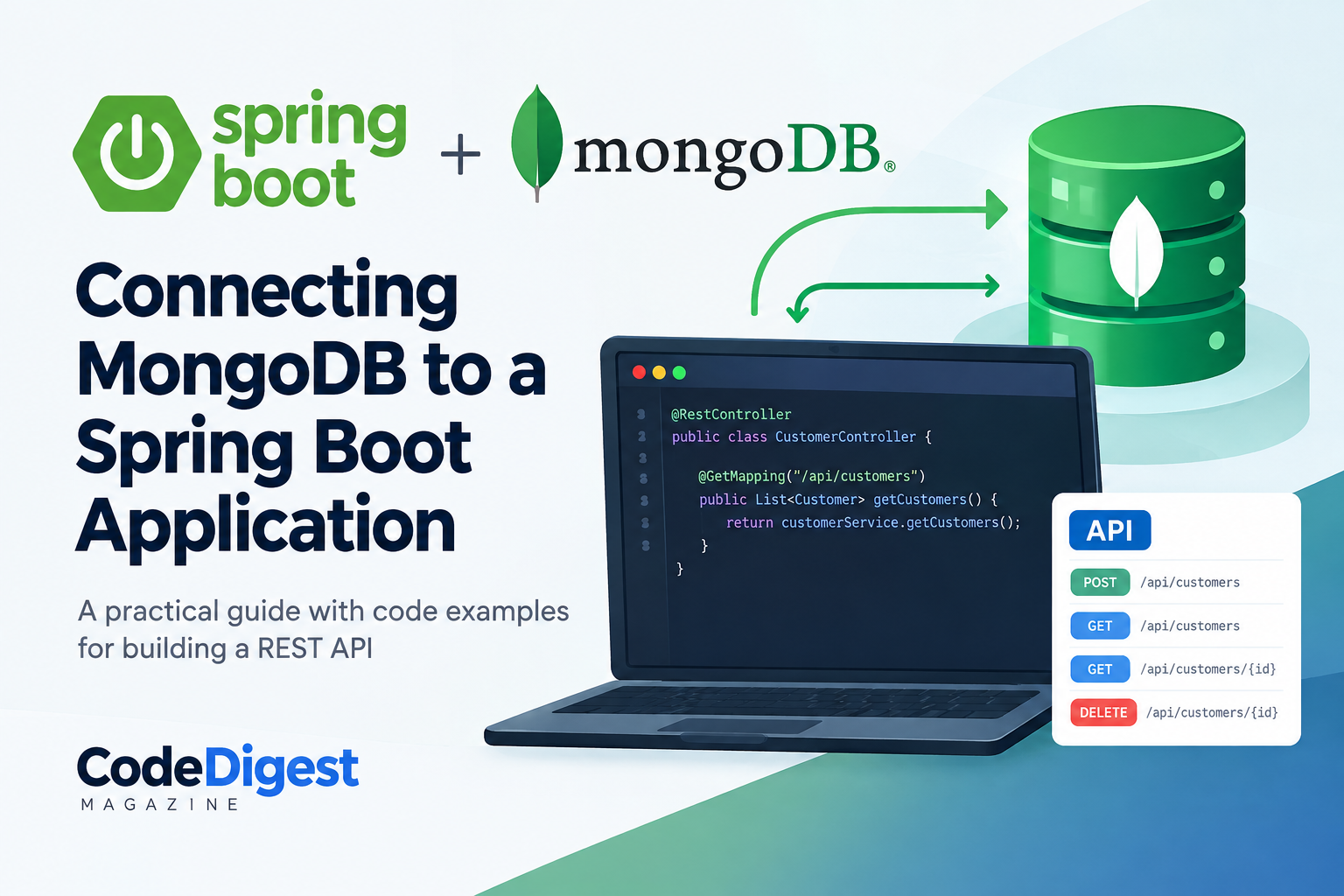
Connecting MongoDB to a Spring Boot Application
MongoDB is a popular NoSQL database that stores data as flexible JSON-like documents rather than rows and tables. Spring Boot makes it relatively straightforward to work with MongoDB through Spring Data MongoDB, which provides repositories and abstractions for database operations.
Connecting MongoDB to a Spring Boot Application
MongoDB is a popular NoSQL database that stores data as flexible JSON-like documents rather than rows and tables. Spring Boot makes it relatively straightforward to work with MongoDB through Spring Data MongoDB, which provides repositories and abstractions for database operations.
In this article, we will build a simple Spring Boot application that connects to MongoDB and saves and retrieves customer records.
What We Will Build
Our application will provide a simple REST API that can:
Connect to MongoDB
Create a customer document
Retrieve customers
Retrieve a customer by ID
Delete a customer
The basic architecture will be:
Client
   |
   | HTTP Request
   v
Spring Boot REST Controller
   |
   v
Service
   |
   v
MongoRepository
   |
   v
MongoDB
Prerequisites
Before starting, make sure you have:
Java 17 or later
Maven
Spring Boot
MongoDB installed locally or a MongoDB Atlas account
An IDE such as IntelliJ IDEA, Eclipse or VS Code
For this example, we will use Spring Boot with Maven.
1. Create the Spring Boot Project
Create a new Spring Boot project using Spring Initializr.
Select:
Project: Maven
Language: Java
Spring Boot: Current stable version
Packaging: WAR
Java: 17+
Add the following dependencies:
Spring Web
Spring Data MongoDB
Spring Data MongoDB provides the classes required for communicating with MongoDB.
2. Configure MongoDB
If MongoDB is running locally, the default connection URL is:
mongodb://localhost:27017/codedigest
The database name in this example is codedigest.
Open:
src/main/resources/application.properties
and add:
spring.data.mongodb.uri=mongodb://localhost:27017/codedigest
That's enough for Spring Boot to establish the MongoDB connection.
Unlike a traditional relational database, you don't need to create the database manually. MongoDB can create the database when the application first writes data to it.
Using MongoDB Atlas
If you are using MongoDB Atlas, replace the local connection string with your Atlas connection string:
spring.data.mongodb.uri=mongodb+srv://username:password@cluster.mongodb.net/codedigest
For production applications, avoid putting database credentials directly in application.properties. Environment variables or a secrets-management solution should be used instead.
3. Create the Customer Document
Create a package called:
model
Inside it, create Customer.java:
package com.codedigest.mongodb.model;

import org.springframework.data.annotation.Id;
import org.springframework.data.mongodb.core.mapping.Document;

@Document(collection = "customers")
public class Customer {

    @Id
    private String id;

    private String name;
    private String email;
    private String phone;

    public Customer() {
    }

    public Customer(String name, String email, String phone) {
        this.name = name;
        this.email = email;
        this.phone = phone;
    }

    public String getId() {
        return id;
    }

    public String getName() {
        return name;
    }

    public void setName(String name) {
        this.name = name;
    }

    public String getEmail() {
        return email;
    }

    public void setEmail(String email) {
        this.email = email;
    }

    public String getPhone() {
        return phone;
    }

    public void setPhone(String phone) {
        this.phone = phone;
    }
}
The @Document annotation tells Spring Data MongoDB that this class represents a MongoDB document.
@Document(collection = "customers")
This means customer objects will be stored in the customers collection.
The @Id annotation identifies the field that MongoDB will use as the document identifier.
4. Create the Repository
Create a package called:
repository
Then create CustomerRepository.java:
package com.codedigest.mongodb.repository;

import com.codedigest.mongodb.model.Customer;
import org.springframework.data.mongodb.repository.MongoRepository;

public interface CustomerRepository extends MongoRepository<Customer, String> {
}
There is no need to implement the interface manually.
By extending MongoRepository, Spring Data provides common database operations such as:
save()
findAll()
findById()
deleteById()
count()
existsById()
This is one of the advantages of Spring Data.
5. Create the Service
Create a package called:
service
Then create CustomerService.java:
package com.codedigest.mongodb.service;

import com.codedigest.mongodb.model.Customer;
import com.codedigest.mongodb.repository.CustomerRepository;
import org.springframework.stereotype.Service;

import java.util.List;

@Service
public class CustomerService {

    private final CustomerRepository customerRepository;

    public CustomerService(CustomerRepository customerRepository) {
        this.customerRepository = customerRepository;
    }

    public Customer createCustomer(Customer customer) {
        return customerRepository.save(customer);
    }

    public List<Customer> getCustomers() {
        return customerRepository.findAll();
    }

    public Customer getCustomer(String id) {
        return customerRepository.findById(id).orElse(null);
    }

    public void deleteCustomer(String id) {
        customerRepository.deleteById(id);
    }
}
The service acts as an intermediary between the REST controller and the repository.
6. Create the REST Controller
Create a package called:
controller
Then create CustomerController.java:
package com.codedigest.mongodb.controller;

import com.codedigest.mongodb.model.Customer;
import com.codedigest.mongodb.service.CustomerService;
import org.springframework.web.bind.annotation.*;

import java.util.List;

@RestController
@RequestMapping("/api/customers")
public class CustomerController {

    private final CustomerService customerService;

    public CustomerController(CustomerService customerService) {
        this.customerService = customerService;
    }

    @PostMapping
    public Customer createCustomer(@RequestBody Customer customer) {
        return customerService.createCustomer(customer);
    }

    @GetMapping
    public List<Customer> getCustomers() {
        return customerService.getCustomers();
    }

    @GetMapping("/{id}")
    public Customer getCustomer(@PathVariable String id) {
        return customerService.getCustomer(id);
    }

    @DeleteMapping("/{id}")
    public void deleteCustomer(@PathVariable String id) {
        customerService.deleteCustomer(id);
    }
}
We now have four endpoints:
POST   /api/customers
GET    /api/customers
GET    /api/customers/{id}
DELETE /api/customers/{id}
7. Run the Application
Start MongoDB and then run the Spring Boot application.
With Maven:
mvn spring-boot:run
If everything is configured correctly, Spring Boot should start without a MongoDB connection error.
The application will normally be available at:
http://localhost:8080
8. Create a Customer
We can use Postman, Insomnia or curl to test the API.
Send a POST request to:
http://localhost:8080/api/customers
with:
{
    "name": "John Doe",
    "email": "john@example.com",
    "phone": "08012345678"
}
Spring Boot receives the JSON request and converts it into a Customer object.
The repository then saves the object in MongoDB.
MongoDB will store a document similar to:
{
    "_id": "68c123456789abcdef123456",
    "name": "John Doe",
    "email": "john@example.com",
    "phone": "08012345678"
}
Notice that MongoDB uses _id as the document identifier.
9. Retrieve Customers
Send a GET request:
GET http://localhost:8080/api/customers
The controller calls:
customerService.getCustomers();
which calls:
customerRepository.findAll();
MongoDB returns the matching documents and Spring Data converts them back into Java objects.
The API response could look like:
[
    {
        "id": "68c123456789abcdef123456",
        "name": "John Doe",
        "email": "john@example.com",
        "phone": "08012345678"
    }
]
10. Retrieve One Customer
To retrieve a specific customer, send:
GET /api/customers/68c123456789abcdef123456
The controller receives the ID:
@PathVariable String id
and passes it to the service.
The repository then performs:
customerRepository.findById(id)
11. Delete a Customer
A customer can be deleted using:
DELETE /api/customers/68c123456789abcdef123456
The service calls:
customerRepository.deleteById(id);
Spring Data MongoDB handles the underlying database operation.
Understanding the Complete Flow
When a client creates a customer, the request flows through the application like this:
POST /api/customers
        |
        v
CustomerController
        |
        v
CustomerService
        |
        v
CustomerRepository
        |
        v
MongoDB
        |
        v
Customer document saved
This separation is useful because each layer has a specific responsibility.
Controller
Handles HTTP requests and responses.
Service
Contains application or business logic.
Repository
Handles database access.
MongoDB
Stores the application's documents.
Adding Custom Queries
Spring Data MongoDB can also generate queries from method names.
For example, we can add the following method to CustomerRepository:
List<Customer> findByEmail(String email);
Spring Data understands the method name and creates the appropriate MongoDB query.
We could then call:
customerRepository.findByEmail("john@example.com");
No SQL query is required.
A Note About MongoDB and SQL Databases
MongoDB does not use tables and rows in the same way as relational databases such as MySQL or PostgreSQL.
Instead, MongoDB uses:
Database
   |
   +-- Collection
          |
          +-- Document
          +-- Document
          +-- Document
For our example:
codedigest
    |
    +-- customers
            |
            +-- John Doe
            +-- Jane Doe
This document-oriented model can be useful when application data has a flexible or evolving structure.
Production Considerations
The example in this article is intentionally simple. A production application should also consider:
Input validation
Exception handling
Authentication and authorization
Pagination
Logging
Database indexes
Connection-pool configuration
Environment-based configuration
Secure storage of database credentials
Backup and recovery
Monitoring
For example, instead of storing credentials directly in the properties file, an application can use environment variables:
spring.data.mongodb.uri=${MONGODB_URI}
The actual connection string can then be supplied through the deployment environment.
Conclusion
Connecting MongoDB to Spring Boot requires surprisingly little configuration. With the Spring Data MongoDB dependency, a MongoDB connection string, a document model and a repository, we can quickly build a REST API capable of storing and retrieving MongoDB documents.
The key components are:
Spring Boot
     |
     +-- Controller
     |
     +-- Service
     |
     +-- MongoRepository
     |
     +-- MongoDB
Once this foundation is understood, the same approach can be extended to larger applications involving authentication, pagination, custom queries, relationships between documents and more sophisticated MongoDB operations.
Tags: Spring Boot, MongoDB, Spring Data MongoDB, Java, REST API, NoSQL, Backend Development, Spring Data, MongoDB Atlas, Java Development